Managing Cron Jobs on a BSD Box
I have a BSD router that drops my Wireguard service after a day or two. The handshake goes stale with my VPN provider. The easiest fix is to reboot the system at midnight everyday.
The Env
Opnsense has been a greate router. I recently switched from Pfsense. The shell is easy to get once a ssh session is established.
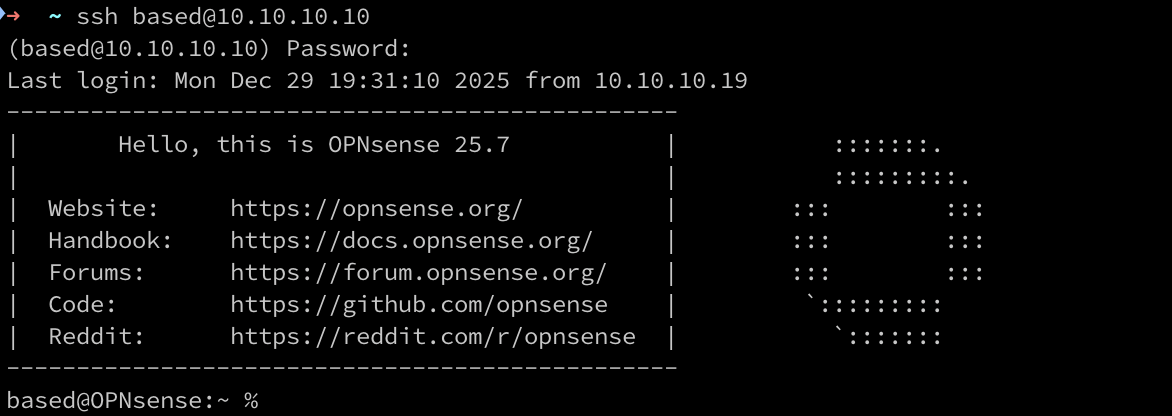
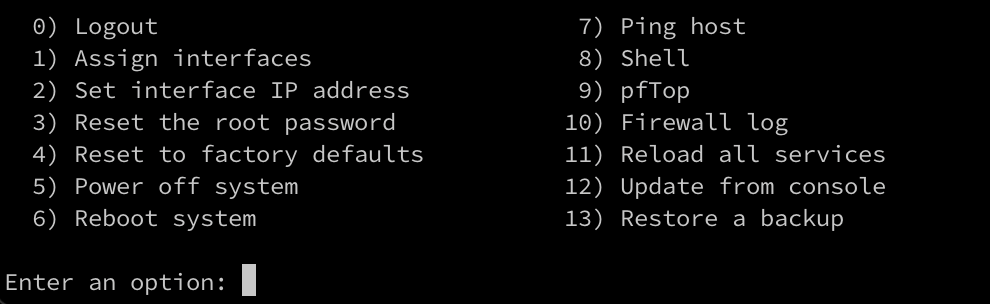
We can su and get the option to run a root shell.
Creating the Script
A script to reboot the system is pretty simple:
#!/usr/bin/bash

sudo reboot
This first version is probably not the best. Do we know that bash is on the system? Do we need to run it as sudo if we are root?
Lets look at the current state of the active cron jobs and what variables we have.
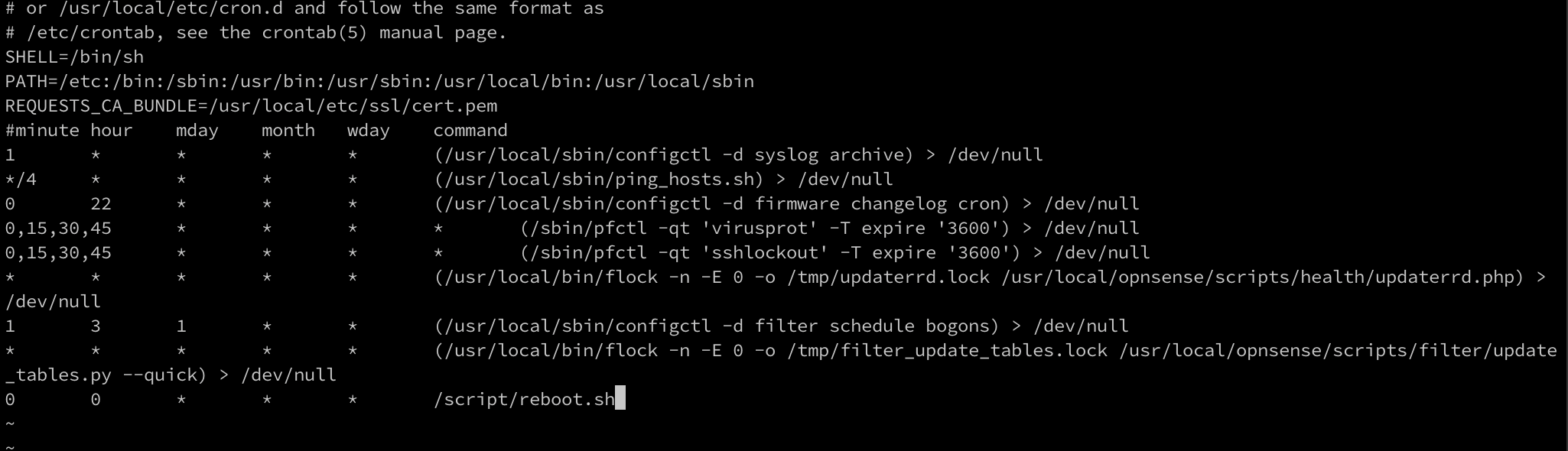
We can see that /bin/sh is the set shell. We can also see our PATH and some all the current cron jobs.
The new script will be use the new shell that we know is on the system.
#!/bin/sh

# Log file
LOGFILE="/var/log/reboot-script.log"

echo "[$(date '+%Y-%m-%d %H:%M:%S')] Reboot script started" >> "$LOGFILE"

# Optional: ensure we are running as root
if [ "$(id -u)" -ne 0 ]; then
    echo "[$(date '+%Y-%m-%d %H:%M:%S')] ERROR: Must be run as root" >> "$LOGFILE"
    exit 1
fi

echo "[$(date '+%Y-%m-%d %H:%M:%S')] Rebooting system" >> "$LOGFILE"

/sbin/reboot
/bin/shis now the shell that will be used to interpret the script- We set a file to log to
- We detect if we are running as root, log and exit 1 if we are not. This will look at our user id to make sure it is 0.
- Log a reboot
- Use the system binary to reboot at
/sbin/reboot
Testing
Executing the script should close our ssh session as soon as it is ran.

If I log back in a cat the log file, I should see a reboot was logged.

Everything looks good. There are a couple of other scripts we can use to verify the system has been rebooted:
uptimelast reboot
I hope this fixes my VPN handshake problem or at least puts a bandaid on it.